
 TYPO3 Event Manager
 TYPO3 Social Login
 T3AI - TYPO3 AI Extension
 TYPO3 Slider Revolution
 Site Kit by Google for TYPO3
 TYPO3 Accessibility Extension
 TYPO3 OpenStreet Map
 WordPress to TYPO3 Migration
 TYPO3 Compatibility
 TYPO3 Google Docs
 TYPO3 News Comment
 TYPO3 Page Comments
 TYPO3 Helpdesk
 TYPO3 Google Map
 All In One TYPO3 Gallery
 All In One TYPO3 Slider
 FAQ Extension
 TYPO3 Lightbox
 TYPO3 Timeline
 TYPO3 WhatsApp
 TYPO3 HubSpot
 Publication Comment
 News Slick Slider
 TYPO3 News Slider
 All in One Feedback
 TYPO3 Personio
 Maintenance Mode
 TYPO3 Cloudflare
 FriendlyCaptcha
 TYPO3 PWA
 TYPO3 YouTube
 TYPO3 Instagram
 TYPO3 Guestbook
 News Search
 TYPO3 Snowfall
 TYPO3 Cookiebot
 Disqus Comment
 TYPO3 Hellobar
 All in One Chat
 TYPO3 Sharethis.com
 TYPO3 Twitter Plugin
 Grid to Container

Backup Plus
What is the TYPO3 Backup Extension?
The TYPO3 Backup Extension by T3Planet is a comprehensive tool designed to automate and simplify the backup process for TYPO3 websites. This extension allows users to back up their TYPO3 code, assets, and databases with ease. It provides a seamless solution for data protection, offering flexibility in backup storage locations, automation, and detailed logs for monitoring and restoring data as needed.
Key Features
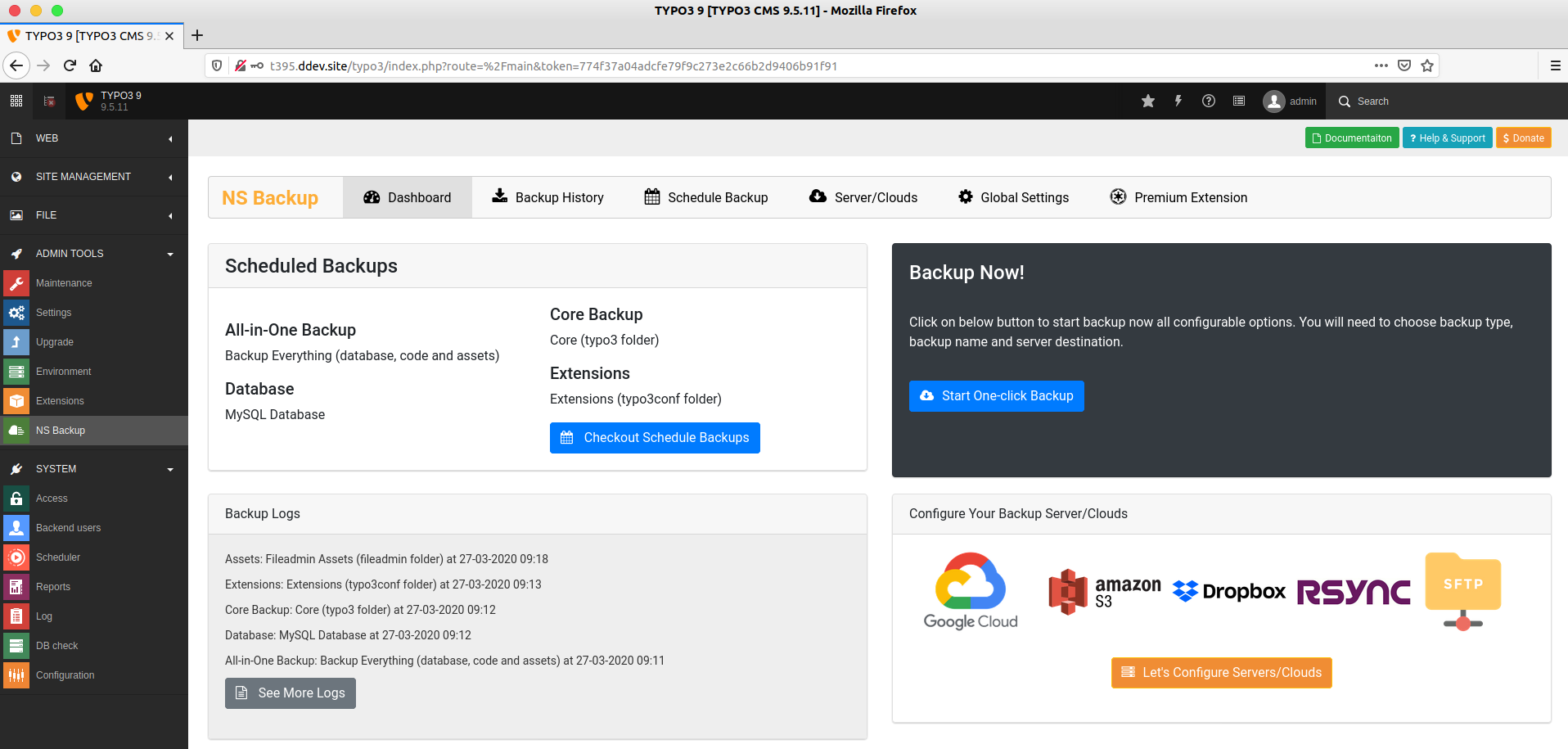
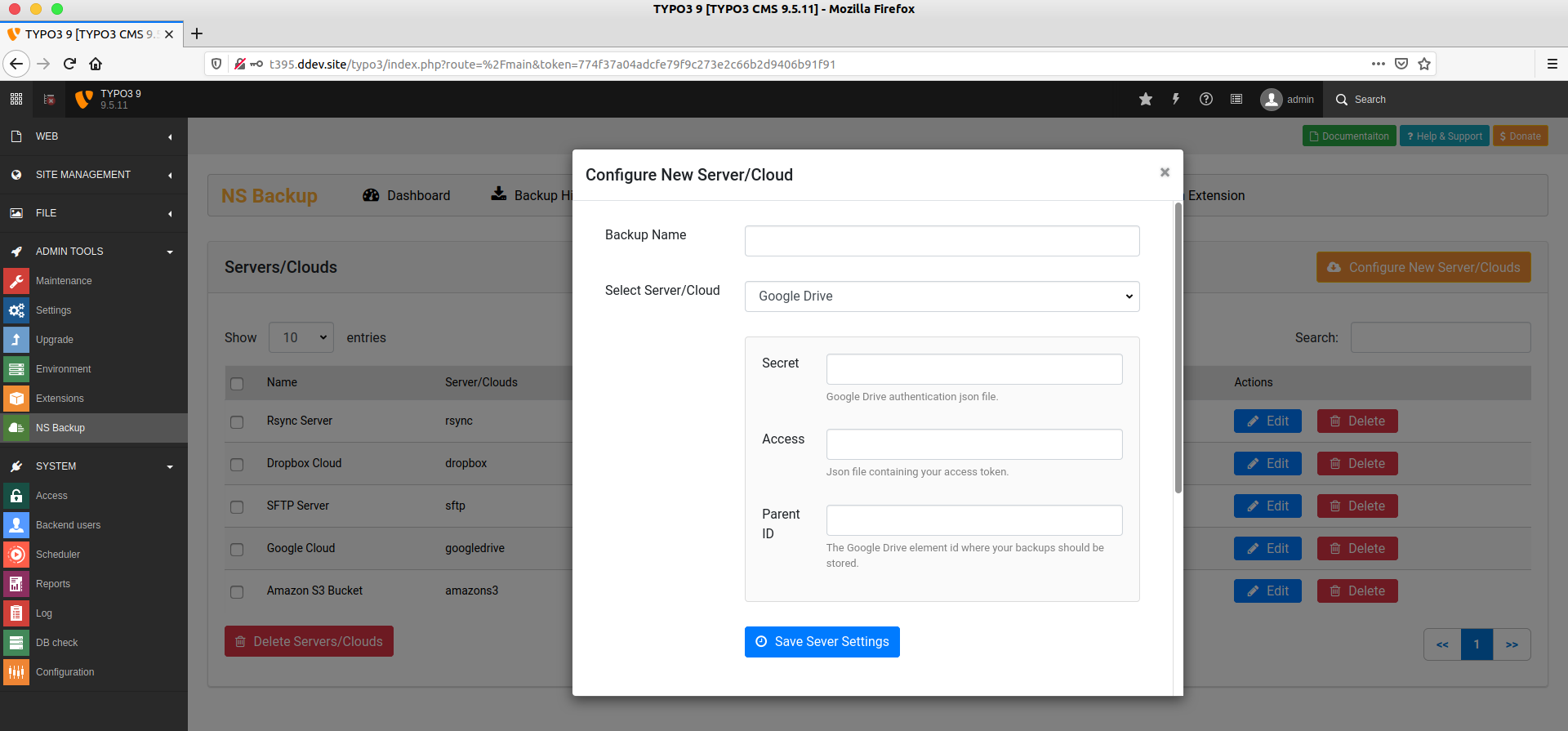
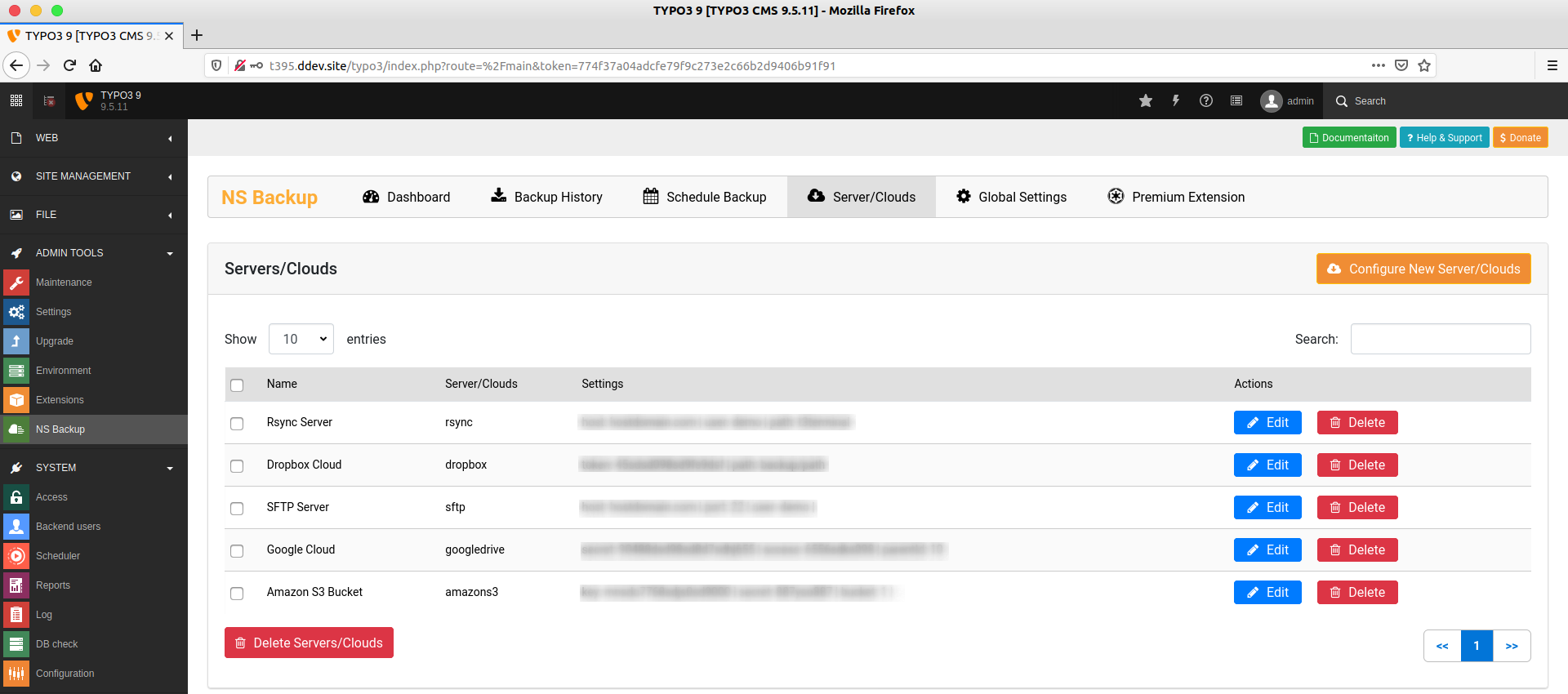
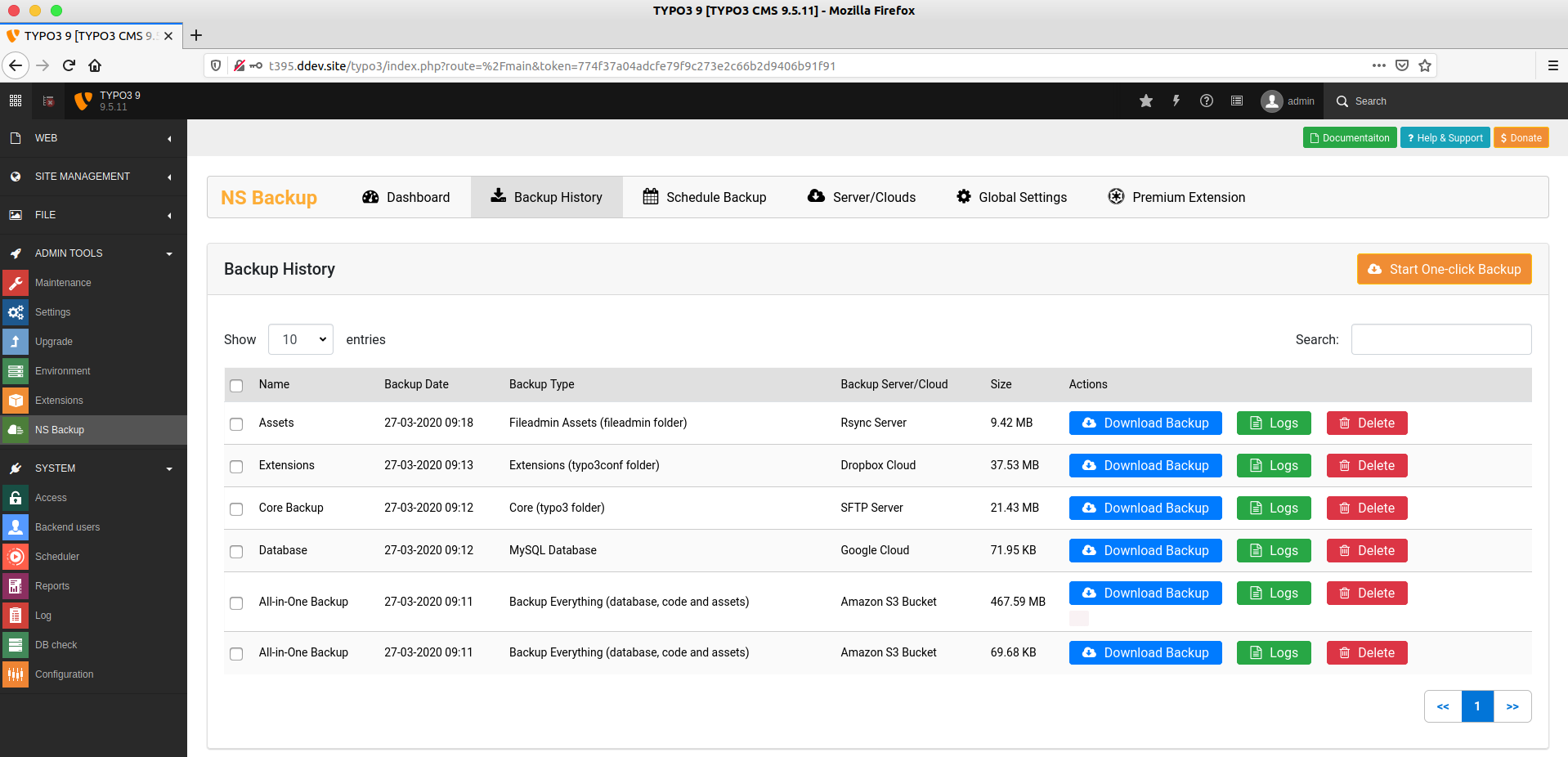
- Server & Cloud Backup: Supports integrations with popular cloud storage services like Google Cloud, Amazon S3, Dropbox, SFTP, and Rsync for off-site backups.
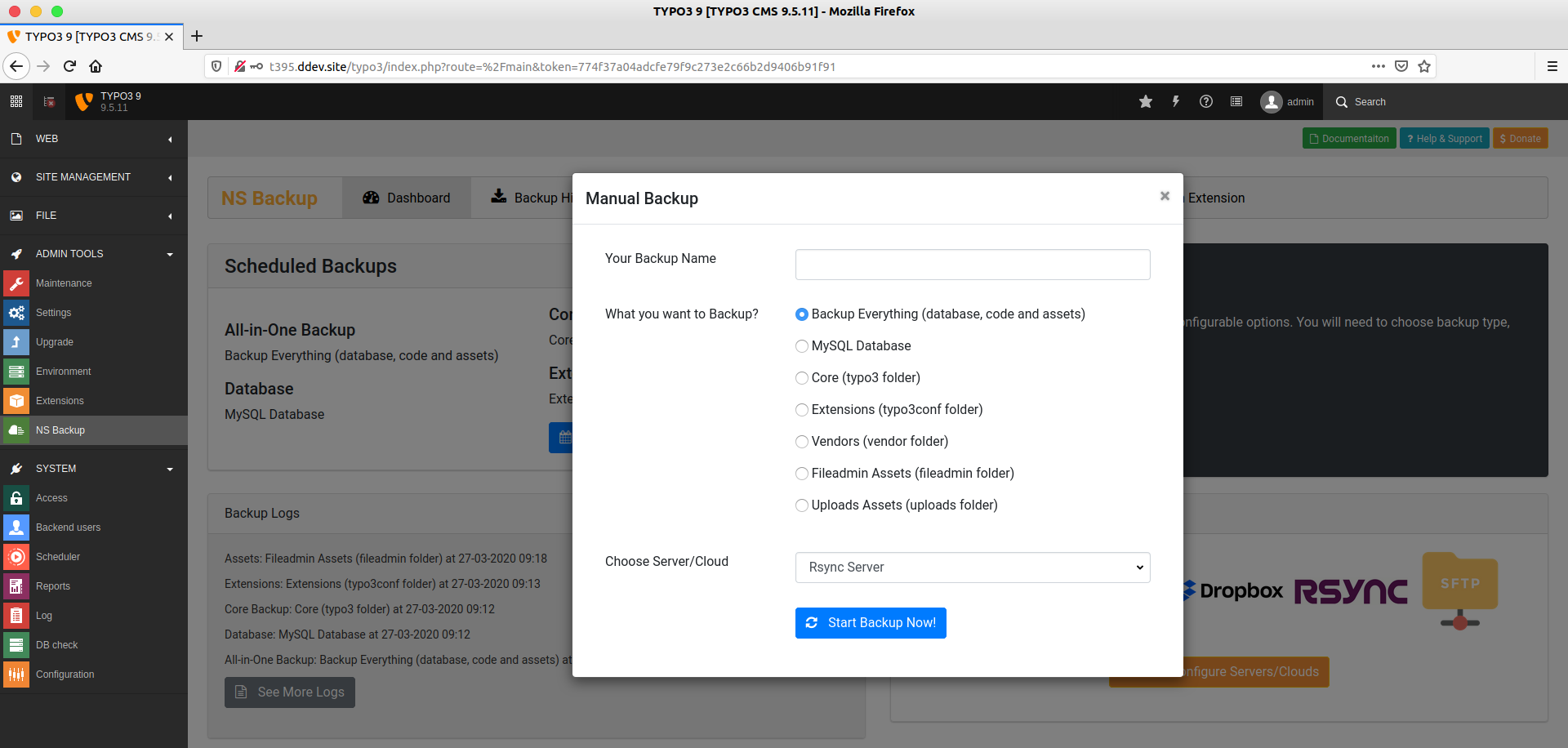
- One-Click Manual Backup: Allows users to manually initiate a backup with a single click, ensuring a quick and straightforward backup process.
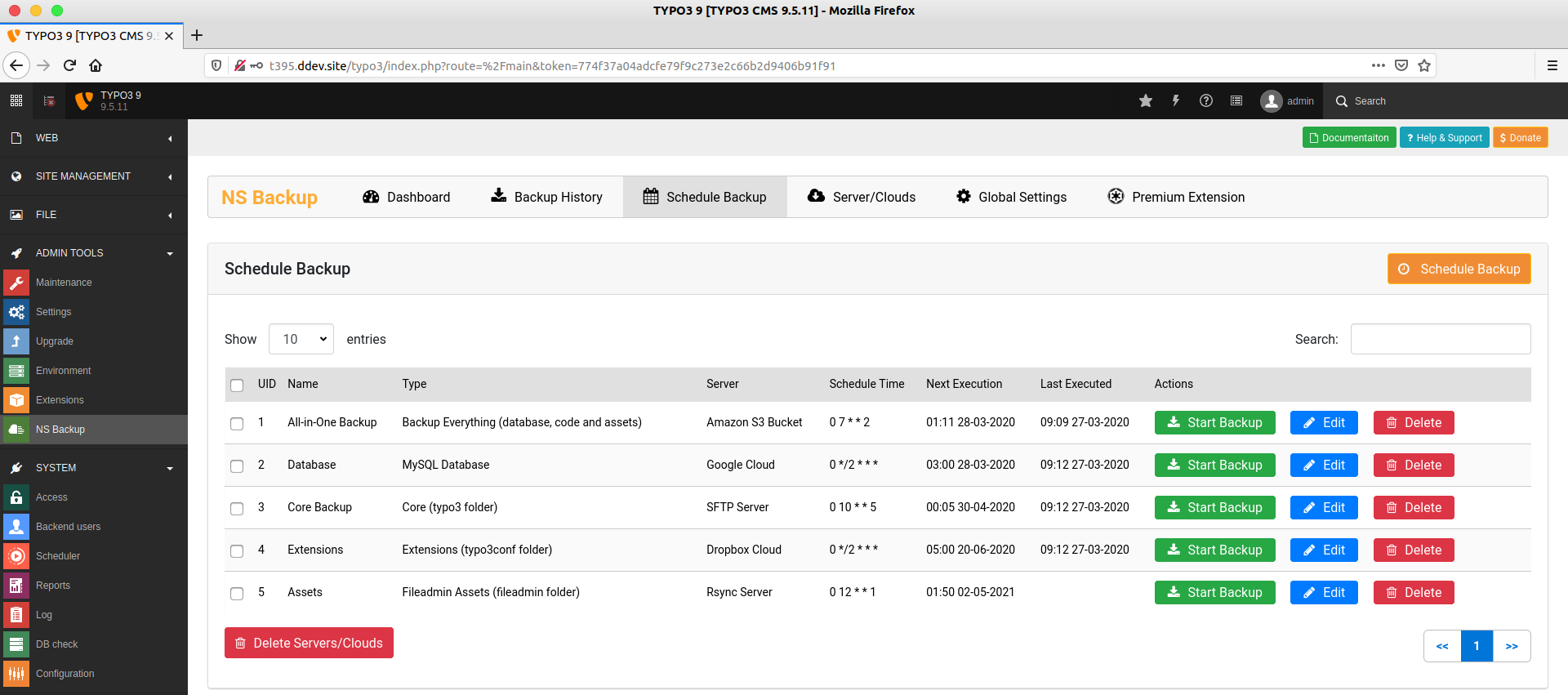
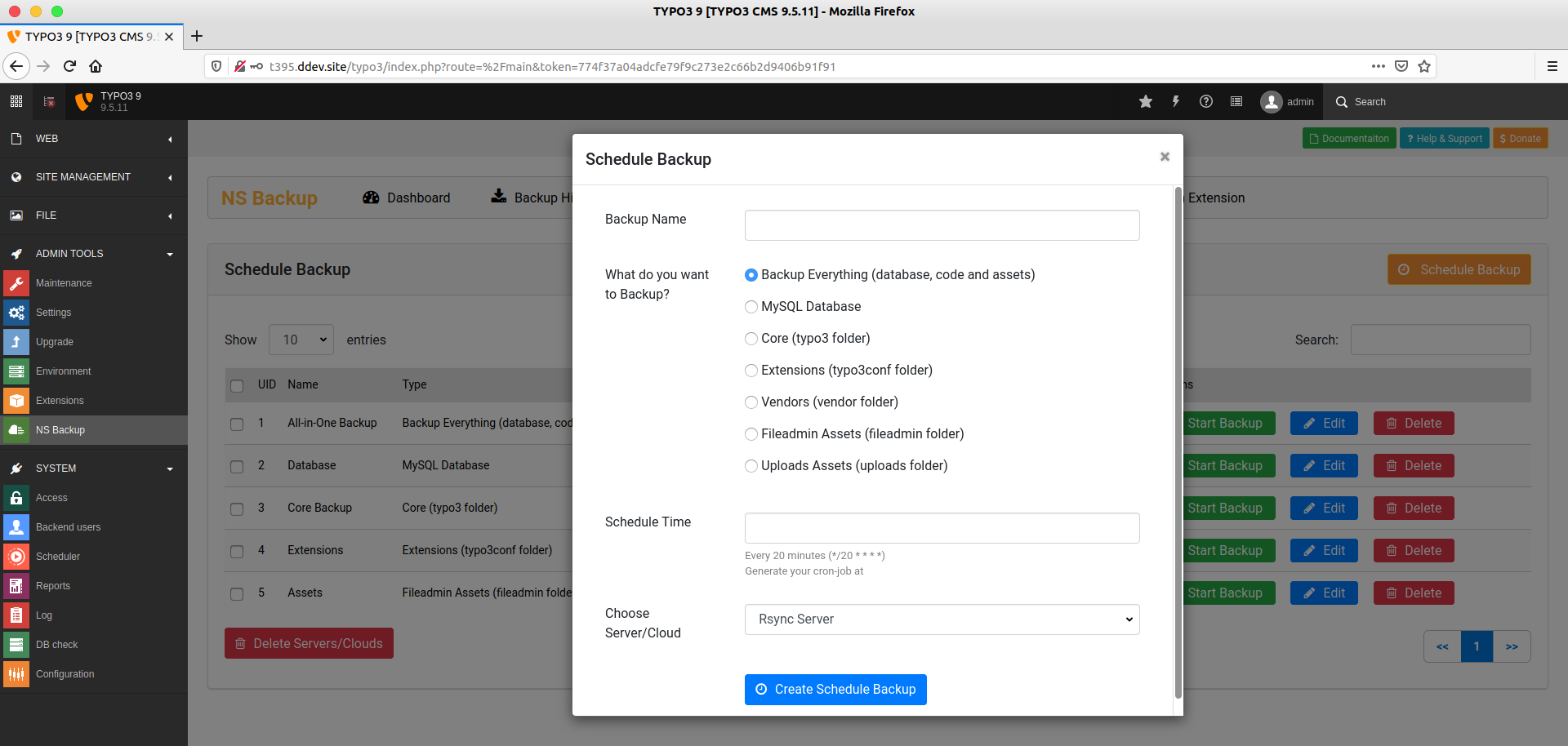
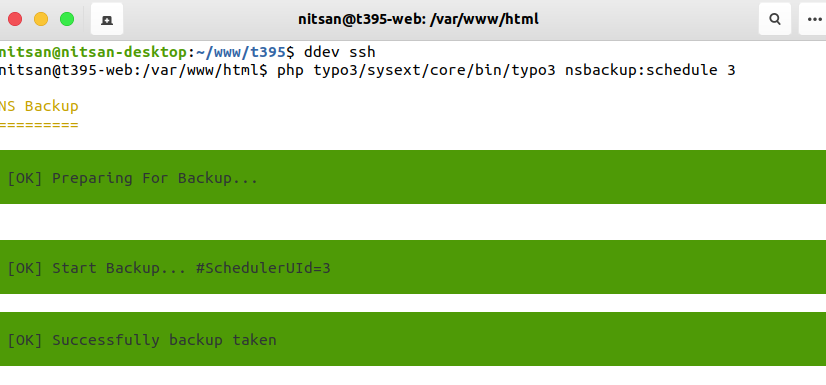
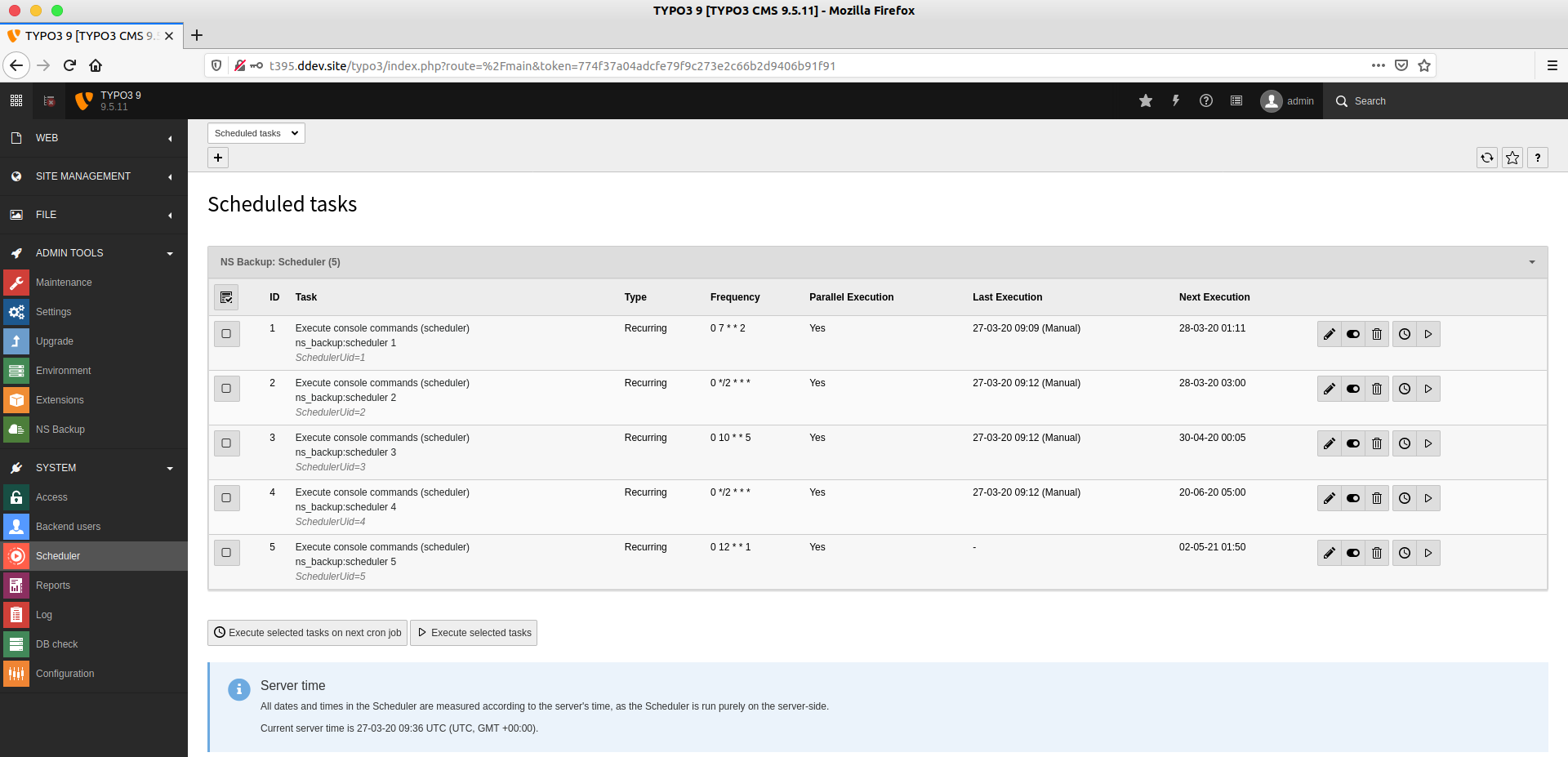
- Scheduled Backups: Utilizes TYPO3’s core scheduler and Symfony-based console to automate backup tasks at regular intervals, ensuring continuous data protection.
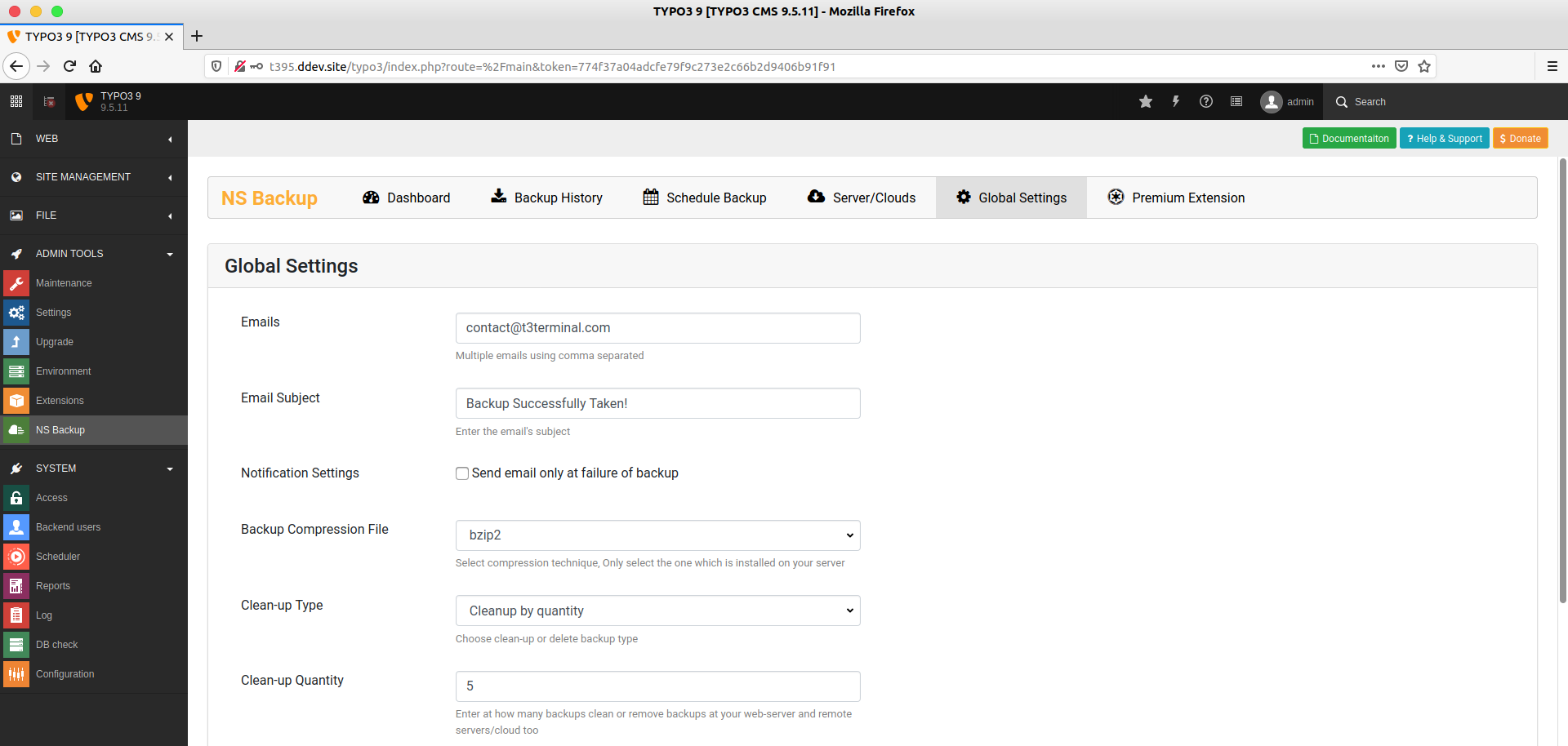
- Backup Compression: Offers various compression formats such as bzip2, gzip, xz, and zip, helping to save storage space and improve transfer speeds.
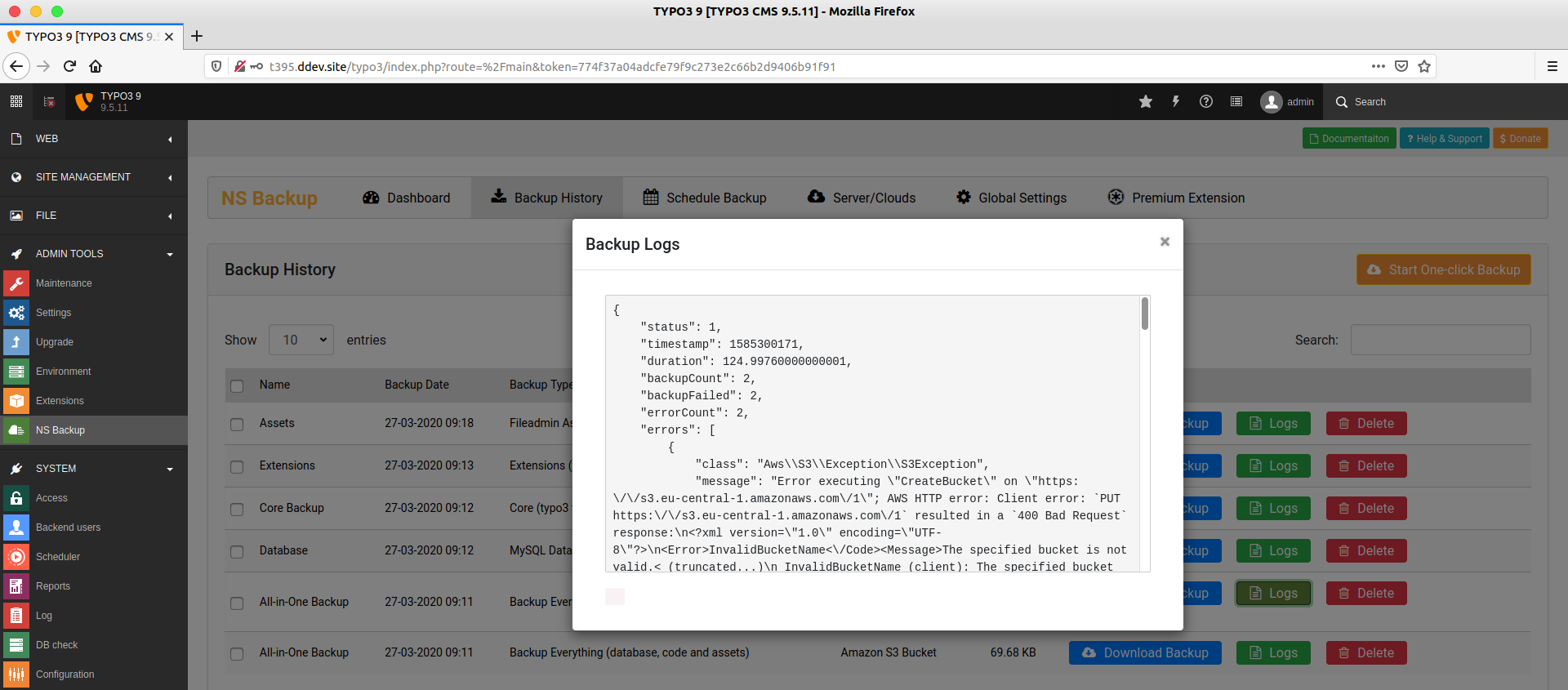
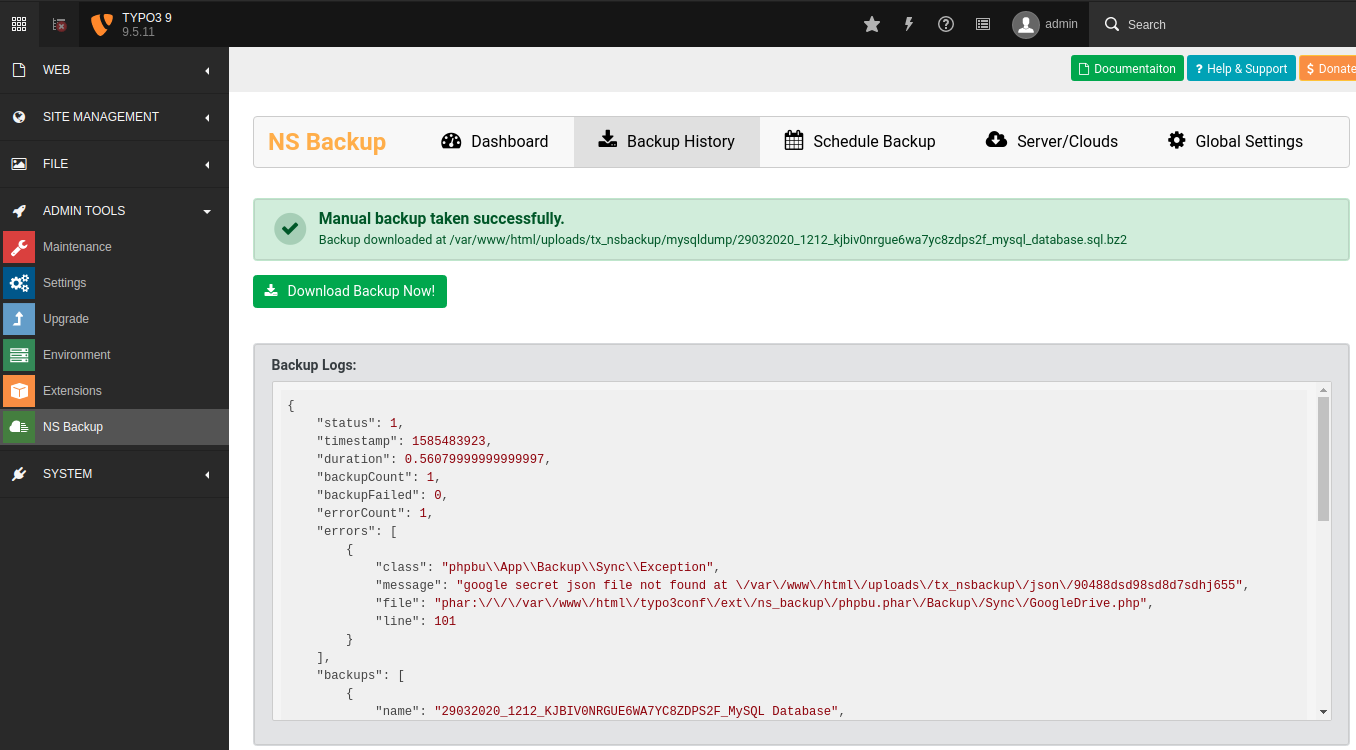
- Backup Logs & History: Keeps detailed logs and histories of all backup operations, providing transparency and aiding in troubleshooting.
- Global Settings Configuration: Centralized configuration options for managing backup settings across the website.
- CLI Integration: Integrates with TYPO3’s Command Line Interface (CLI) and Symfony Console for advanced users who prefer managing backups through command-line operations.
- Backup Cleanup: Automatically manages storage by cleaning up both local and cloud backups, keeping the backup system organized and efficient.
Backend Interface
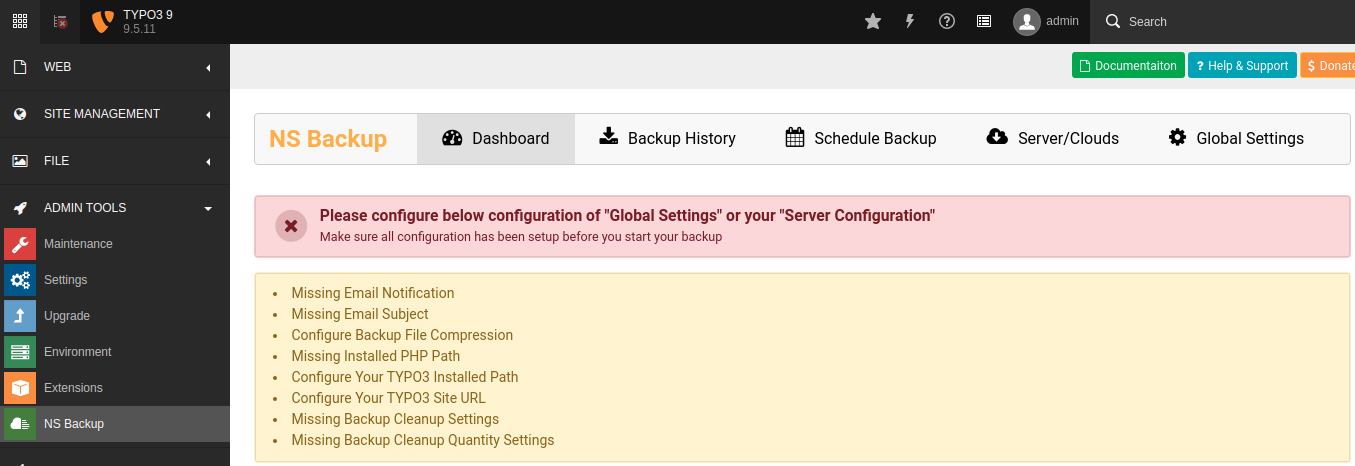
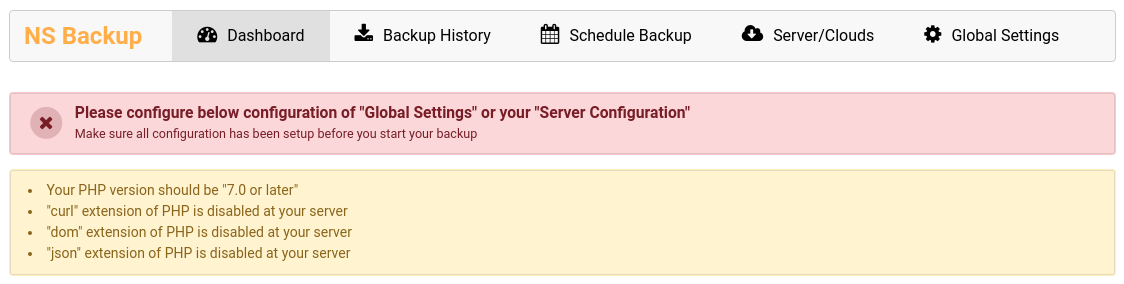
- Dashboard: A central hub that provides a quick overview of backup statuses, schedules, and recent backup activities.
- Backup Management: Tools for initiating, monitoring, and managing backups directly from the backend interface, with easy options to restore from previous backups.
- Configuration Panels: Easy-to-navigate configuration panels for adjusting backup destinations, schedules, and compression settings.
- Log Viewer: A detailed log viewer to track backup activities, providing transparency and assisting in troubleshooting issues.
Screenshots
Installation & Support
- Installation
The extension is simple to install, with detailed documentation available to guide users through the process. - Support
T3Planet offers dedicated support to assist with installation, configuration, and troubleshooting, ensuring smooth operation.
Why This Is the Right Choice?
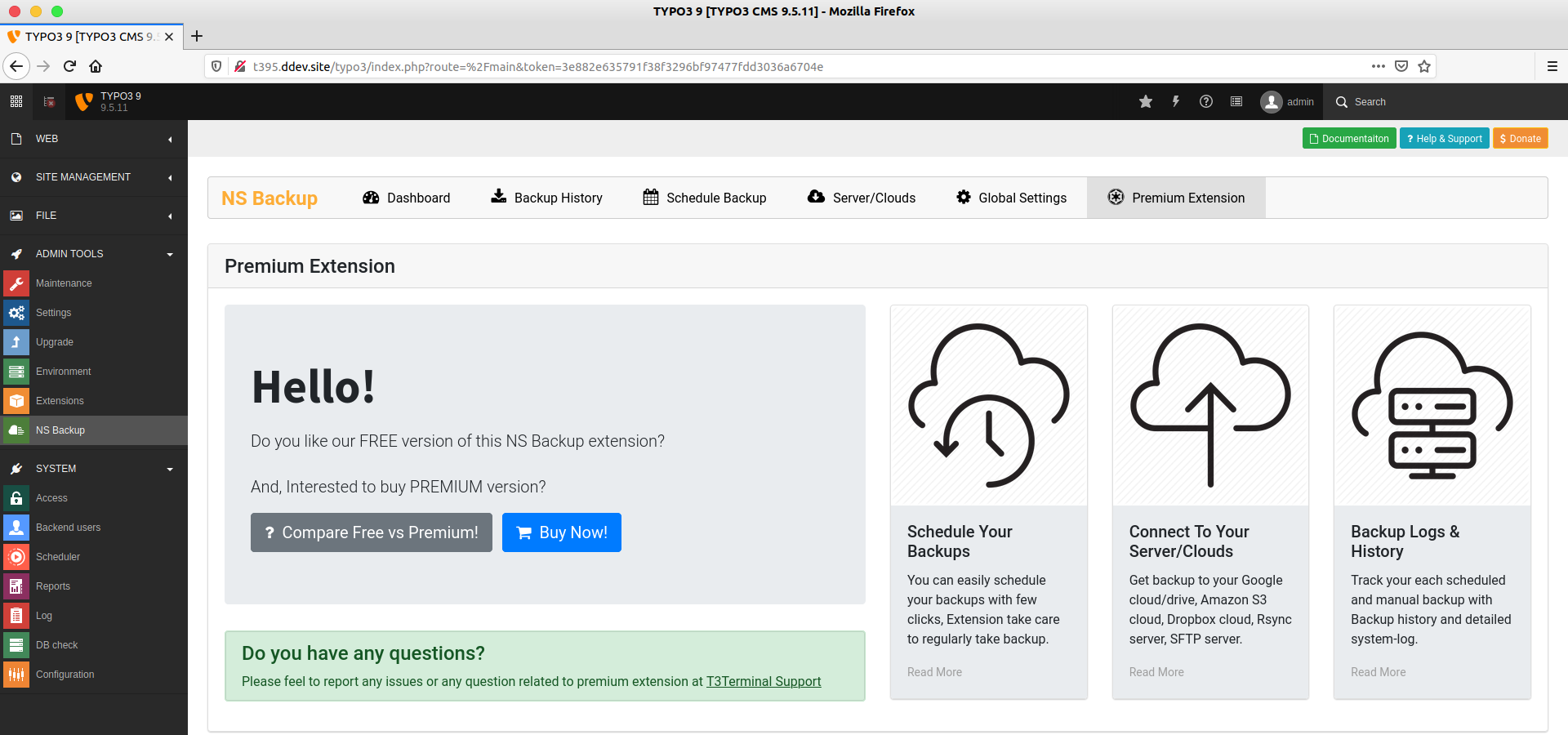
It provides full backups of your TYPO3 site, including files, extensions, uploads, and the database. You can store them on Google Drive, Amazon S3, Dropbox, or transfer via SFTP or Rsync. It supports manual and scheduled backups, offers compression options, and includes a dashboard for logs and cleanup. Compatible with TYPO3 versions 8–13, it’s actively maintained and includes a free trial with a 15-day refund policy.